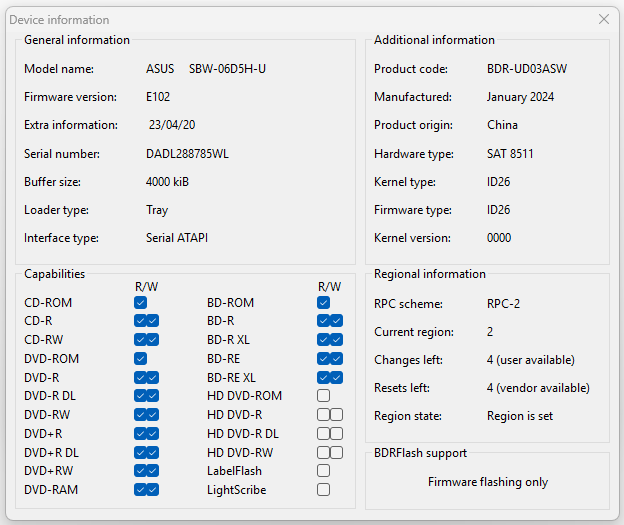
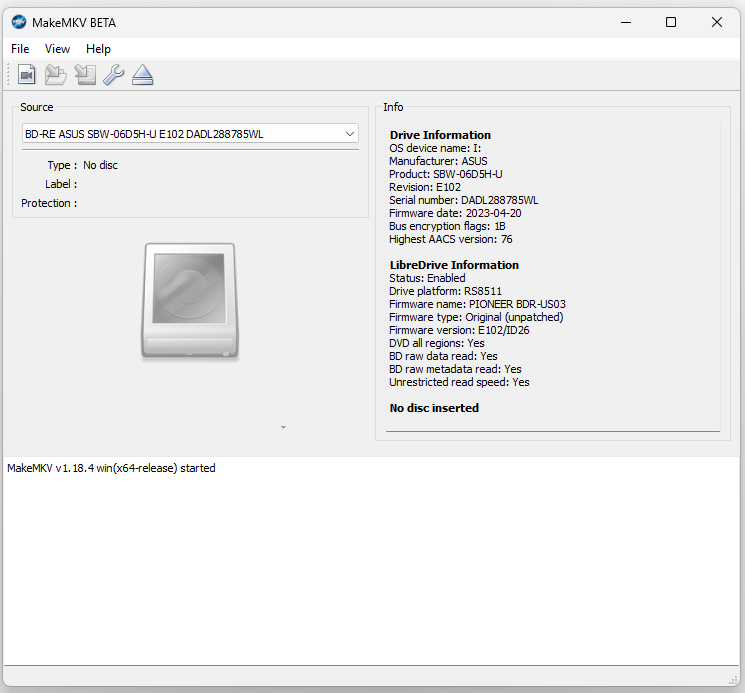
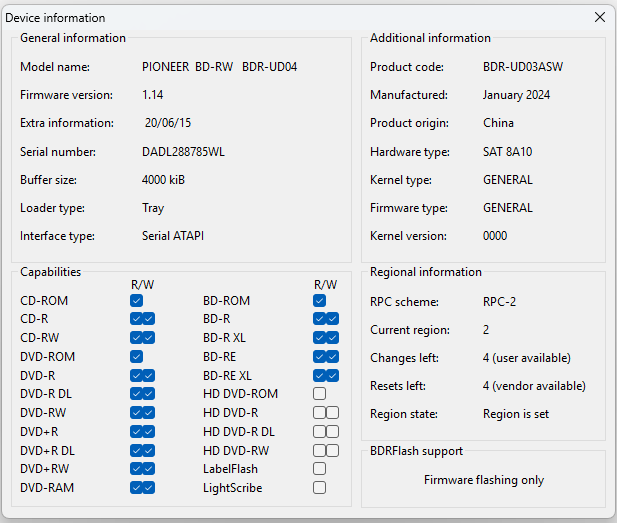
@richardwu @Woodstock @dcoke22 @Blackened2687 — could one of you please move this updated overview into the top of the first post (keeping richardwu's original "How this thread started" section and Before/After screenshots underneath)? Thanks!
---
trev.bot flash — UHD firmware flasher & Pioneer drive settings for LG and Pioneer Blu-ray drives (Windows, macOS, Linux)
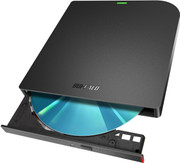
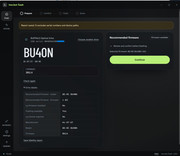
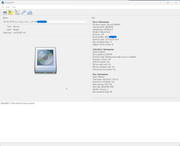
trev.bot flash is a desktop app by Trevor (trevbot here on the forum) that prepares supported LG and Pioneer Blu-ray drives for 4K UHD discs — including Pioneer drives on 12/22+ firmware and external/rebadged drives (such as ASUS and Buffalo) built on LG or Pioneer hardware. It reads the real drive model and firmware (even inside an external enclosure), downloads the matching firmware, and walks you through the flash with no command line or file hunting.
What it does
- Windows, macOS (Apple Silicon & Intel), and Linux (.deb / .rpm), with automatic in-app updates.
- Supports LG and Pioneer Blu-ray drives, including Pioneer 12/22+ firmware. Live supported model list:
https://trev.bot/drives
- Free drive check: tells you whether a flash is available for your exact drive and firmware before you spend anything.
- Free Pioneer drive settings (no flash license required): view and change PureRead (Master / Perfect) and Quiet Drive modes, and view Peak Power Reducer status, with readback verification. Guide:
https://trev.bot/pureread
- Website available in English, German (
https://trev.bot/de/), French (
https://trev.bot/fr/), Japanese (
https://trev.bot/ja/), and Polish (
https://trev.bot/pl/), with preview app translations under Settings → Language (v1.0.45+).
How it works
1. Download the app:
https://trev.bot/download
2. Connect the drive with no disc inside and run the free check.
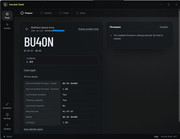
3. If a flash is available, the app downloads and verifies the firmware and tells you if a reconnect is needed.
4. Confirm the drive and the risk, then press and hold to flash.
5. When it says Flash complete, test the drive with your discs.
Pricing & licensing
- Checking a drive, Analyze drive, and Pioneer PureRead / Quiet Drive settings are free with no activation code.
- Flashing uses a one-time personal license (two tiers: LG only, or LG + Pioneer) covering your own supported drives on up to 3 computers. It does not expire, and earlier single-flash purchases were upgraded automatically. Current pricing:
https://trev.bot/pricing
Risk & unsupported drives
- Firmware flashing always carries some risk. The app checks drive identity and firmware integrity before writing, but no check can rule out a failure. Use an empty drive, keep power and USB connected, and leave the app open until it finishes.
- Drive not supported yet? Run the free Analyze drive option in the app. With your approval, it reads the drive and uploads the results to Trevor to help expand support (it never flashes anything).
- Need help? Send logs / save a support report in the app and email
help@trev.bot.
Links
- Download:
https://trev.bot/download
- Supported drives:
https://trev.bot/drives
- Pricing:
https://trev.bot/pricing
- Pioneer PureRead & Quiet Mode:
https://trev.bot/pureread
- Every screen of the app:
https://trev.bot/how-it-works
- Changelog / RSS:
https://trev.bot/changelog
- German:
https://trev.bot/de/
- French:
https://trev.bot/fr/
- Japanese:
https://trev.bot/ja/
- Polish:
https://trev.bot/pl/