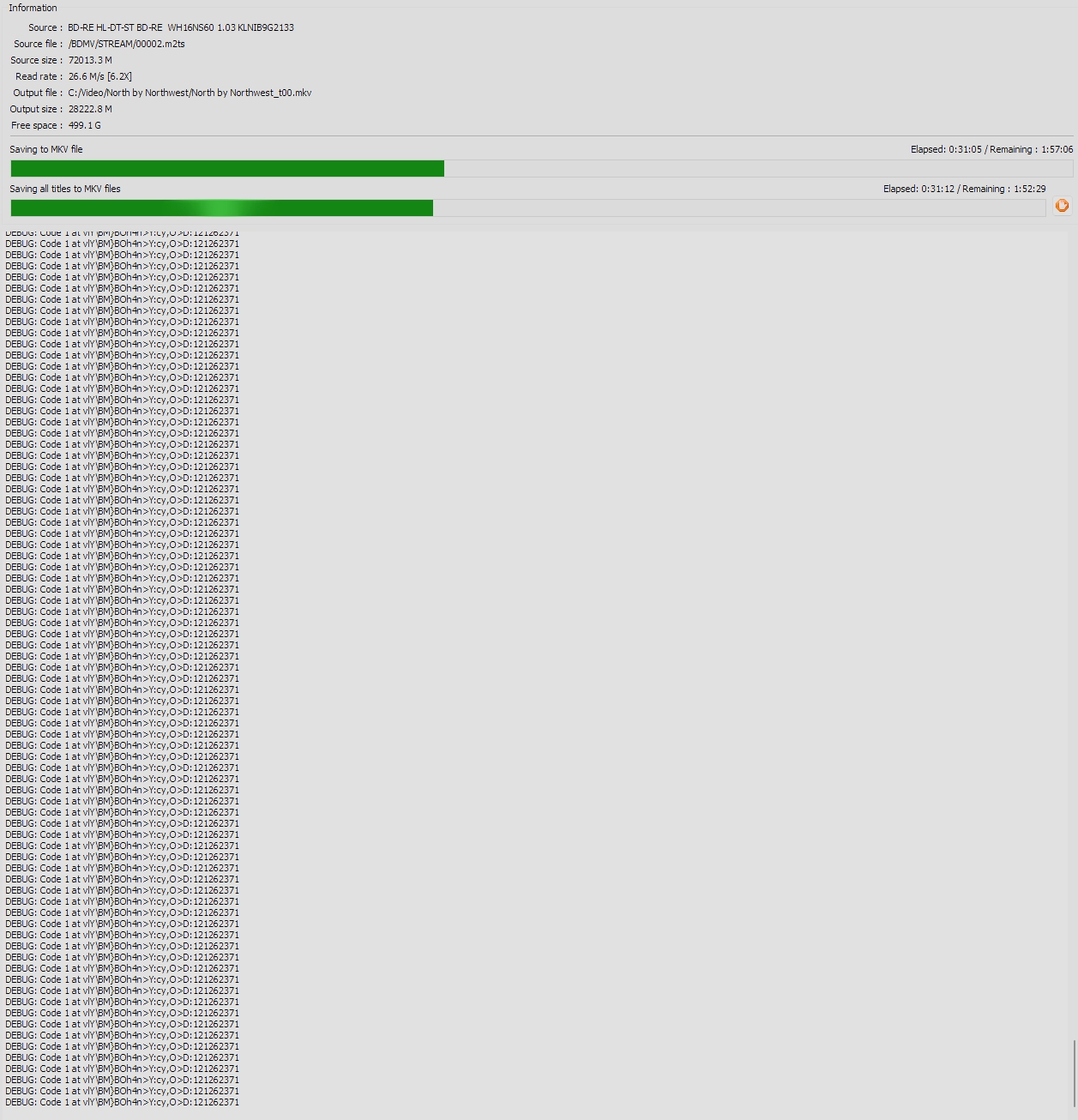
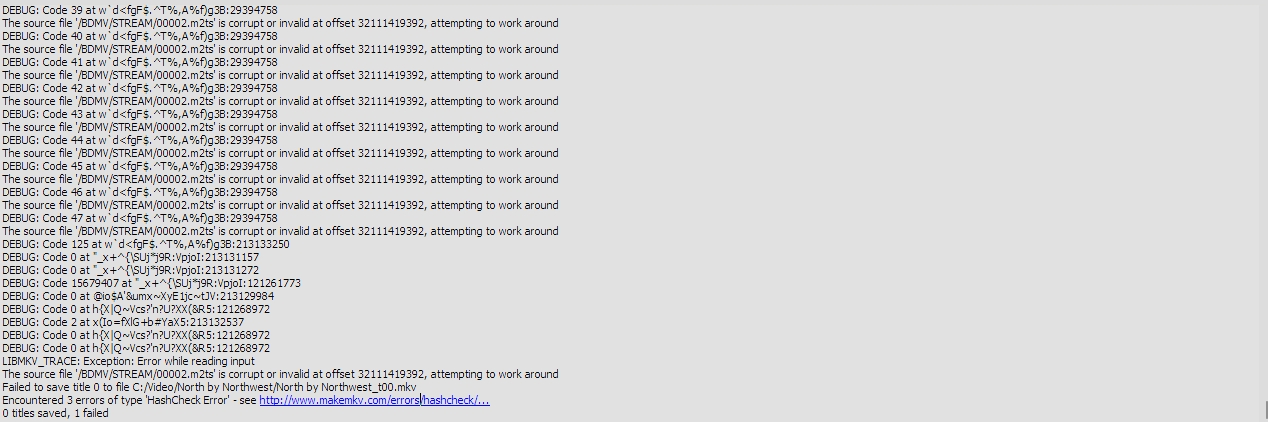
I seem to be having an issue with this disc getting stuck on DEBUG: code 1. This is the second copy of this film I've had now, having had the previous copy replaced, and I did other 4k discs either side of getting this error without any issues.
Any ideas?
North by Northwest
-
Embattle
- Posts: 6
- Joined: Mon Sep 02, 2024 7:23 am
Re: North by Northwest
After about an hour, it seems to have fallen into:
-
Woodstock
- Posts: 10971
- Joined: Sun Jul 24, 2011 11:21 pm
Re: North by Northwest
Your images did not post, so we cannot say what the issue is.
MakeMKV Frequently Asked Questions
FAQ about BETA and PERMANENT keys.
How to aid in finding the answer to your problem: Activating Debug Logging
FAQ about BETA and PERMANENT keys.
How to aid in finding the answer to your problem: Activating Debug Logging
-
Embattle
- Posts: 6
- Joined: Mon Sep 02, 2024 7:23 am
Re: North by Northwest
Hello, here they are again:

-
Woodstock
- Posts: 10971
- Joined: Sun Jul 24, 2011 11:21 pm
Re: North by Northwest
OK, basically your drive is having a hard time reading the disk, at an area that would be near the edge. Most likely cause is a blemish or fingerprint, as the more common cause (haze on the disk from storage) would be more wide-spread.
That said, the first thing to try would be a general cleaning of the disk. I've migrated to using lens cleaning wipes, because the solvent on them is plastic-compatible, and they don't scratch the surface.
That said, the first thing to try would be a general cleaning of the disk. I've migrated to using lens cleaning wipes, because the solvent on them is plastic-compatible, and they don't scratch the surface.
MakeMKV Frequently Asked Questions
FAQ about BETA and PERMANENT keys.
How to aid in finding the answer to your problem: Activating Debug Logging
FAQ about BETA and PERMANENT keys.
How to aid in finding the answer to your problem: Activating Debug Logging
-
Embattle
- Posts: 6
- Joined: Mon Sep 02, 2024 7:23 am
Re: North by Northwest
Woodstock wrote: Fri Jul 10, 2026 2:06 pm OK, basically your drive is having a hard time reading the disk, at an area that would be near the edge. Most likely cause is a blemish or fingerprint, as the more common cause (haze on the disk from storage) would be more wide-spread.
That said, the first thing to try would be a general cleaning of the disk. I've migrated to using lens cleaning wipes, because the solvent on them is plastic-compatible, and they don't scratch the surface.
After the first clean, I still got the issue. I thought I would use a light and clean the disc again, but this time I also cleaned the drive tray in case it was picking up something, since this is the replacement disc and was having the same issue. I'm happy to confirm it has now managed to complete without any issues.
Thanks