Page 617 of 756
Re: Dolby Vision now possible through MP4 Mux.
Posted: Mon Dec 11, 2023 12:01 am
by deadchip12
RESET_9999 wrote: Sun Dec 10, 2023 12:55 pm
pretty much but I just found something concerning about our beloved x700/x800 with low nits real content Five.Nights.at.Freddys.2023 :
https://slow.pics/c/R0A9O244
according to the original brightness and metadata plot(L1 L2), only the Shield makes sense here.
Sorry could you explain what the screenshot indicates?
And do the current issues with the x700/x800 only happen with dolby vision files but not dolby vision discs?
Re: Dolby Vision now possible through MP4 Mux.
Posted: Mon Dec 11, 2023 2:42 am
by RESET_9999
deadchip12 wrote: Mon Dec 11, 2023 12:01 am
Sorry could you explain what the screenshot indicates?
And do the current issues with the x700/x800 only happen with dolby vision files but not dolby vision discs?
Reference: original HDR frame is 92 nits , Edid is LG C2 (896nits). L2 trims is a positive lift (brighten), L1 is 100nits
x700 L1 + L2 original is 82nits (darker than HDR10, doesn't make sense)
x700 L1 only is 66nits (much darker than HDR10, doesn't make sense)
ATV L1 + L2 original is 93nits (trims bring the brightness to the original level)
ATV L1 only is 76nits (darker than HDR10, doesn't make sense)
Shield L1 + L2 original is 114nits (expected brightness for this type of L2 lift)
Shield L1 only is 94nits (same as original brightness. expected for a 100nits L1 on a 896nits TV)
Only the Shield seems logical here.
plots (shot is around frame 1200 IIRC)


Re: Dolby Vision now possible through MP4 Mux.
Posted: Mon Dec 11, 2023 7:43 am
by HotFudge
RESET_9999 wrote: Fri Dec 08, 2023 3:31 pm
crosis wrote: Fri Dec 08, 2023 4:50 am
Preferably a scripted process as I've heard that one is available
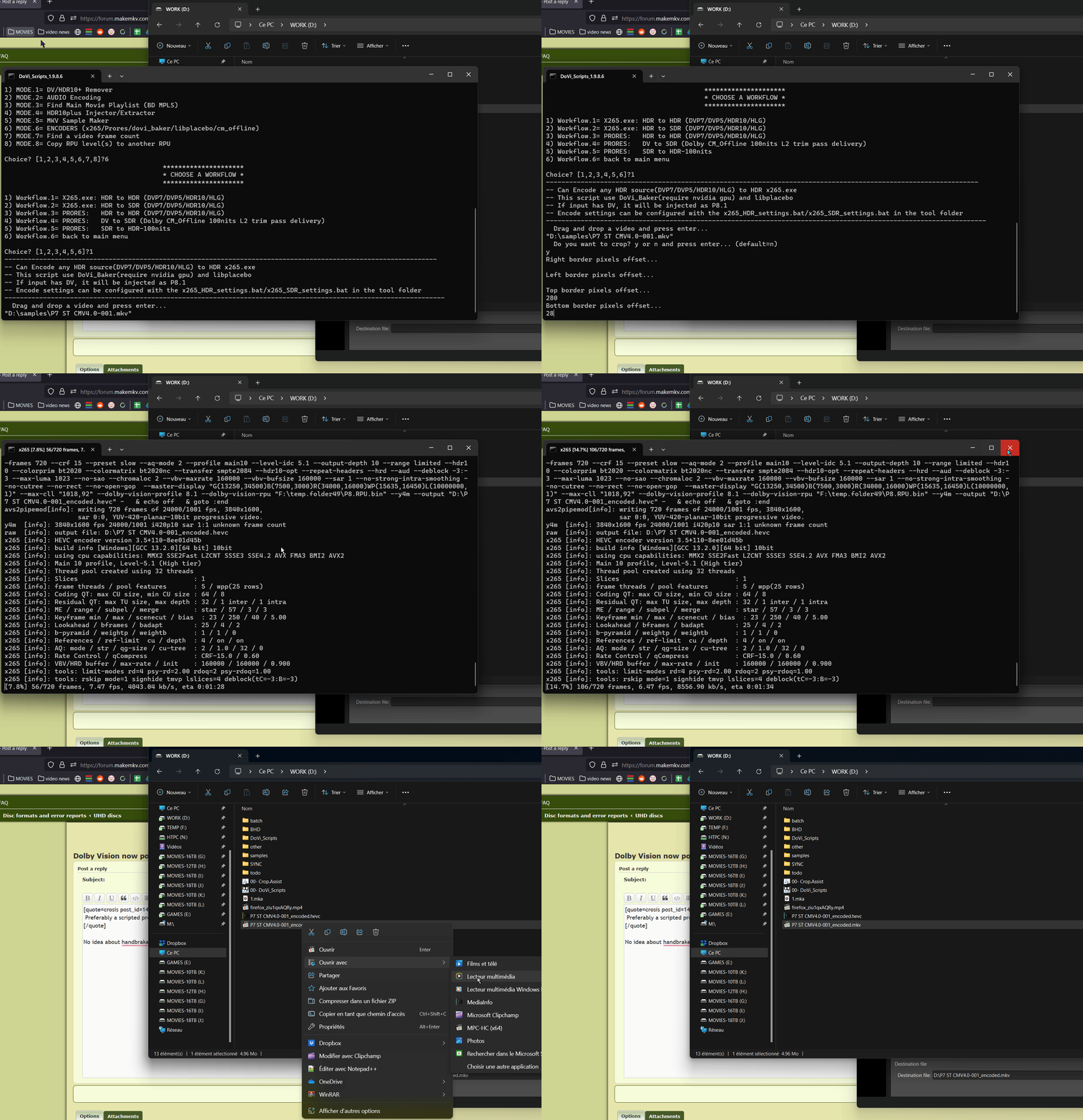
No idea about handbrake but the script in my signature can bake FEL to P8. Workflow 8-6-1 but it requires an nvidia GPU.
it can also encode P5 to P8, HLG to HDR10 or P8 to P8
When will 1.9.8.6 be released? Github latest version is 1.9.8.5
Cheers
Re: Dolby Vision now possible through MP4 Mux.
Posted: Mon Dec 11, 2023 11:07 am
by RESET_9999
HotFudge wrote: Mon Dec 11, 2023 7:43 am
When will 1.9.8.6 be released? Github latest version is 1.9.8.5
Cheers
idk, I haven't made enough changes yet.
- Added PGS/SUP to srt (auto OCR) (line 80 default = NO)
- Added an option to compare SDR in an HDR container for workflow 7-2 (line 132 default=NO)
- Added an option to force mp4box_2 (line 16 default=NO)
- Tools: Subtitle.edit must be added in the tools folder. (only needed if line 80 = YES)
- Tools: mkvtoolnix files must be updated to the latest version.
Re: Dolby Vision now possible through MP4 Mux.
Posted: Mon Dec 11, 2023 11:11 am
by RESET_9999
Windows Movies and TV app support Level 5 surprisingly (and also cmv4.0). Only HDMI device to support L5 so far.

Re: Dolby Vision now possible through MP4 Mux.
Posted: Mon Dec 11, 2023 4:48 pm
by crosis
RESET_9999 wrote: Mon Dec 11, 2023 11:07 am
HotFudge wrote: Mon Dec 11, 2023 7:43 am
When will 1.9.8.6 be released? Github latest version is 1.9.8.5
Cheers
idk, I haven't made enough changes yet.
- Added PGS/SUP to srt (auto OCR) (line 80 default = NO)
- Added an option to compare SDR in an HDR container for workflow 7-2 (line 132 default=NO)
- Added an option to force mp4box_2 (line 16 default=NO)
- Tools: Subtitle.edit must be added in the tools folder. (only needed if line 80 = YES)
- Tools: mkvtoolnix files must be updated to the latest version.
I wanted to thank you for the help with your script. I have adjusted the encoder settings and arrived at bitrates very close to what I was getting in Handbrake. On the next update, would you be able to add an option in your workflow to choose a subtitle track to burn into the video? I always burn any forced subtitles so that I don't need to mess with OCR-ing and organizing multiple subtitle files. I am currently looking into AVISynth plugin "SupTitle" to manually add to the avs script before it kicks it over to X265.
Re: Dolby Vision now possible through MP4 Mux.
Posted: Mon Dec 11, 2023 5:31 pm
by HotFudge
Hi Reset
I have HDR10+ metadata but it is 24 frames ahead of my UHD mkv.
Is it possible to resync and inject this with the DoVi scripts ?
Cheers
Re: Dolby Vision now possible through MP4 Mux.
Posted: Tue Dec 12, 2023 2:18 am
by thirdmoon
RESET_9999 wrote: Mon Dec 11, 2023 11:11 am
Windows Movies and TV app support Level 5 surprisingly (and also cmv4.0). Only HDMI device to support L5 so far.
If I have a P5 DV in MKV and a HDR monitor,
1. Which workflow should I use to make it work with windows app?
2. Do I have to turn on HDR in the windows settings too?
3. Any other requirements?
Re: Dolby Vision now possible through MP4 Mux.
Posted: Tue Dec 12, 2023 3:17 am
by RESET_9999
crosis wrote: Mon Dec 11, 2023 4:48 pm
On the next update, would you be able to add an option in your workflow to choose a subtitle track to burn into the video?
Maybe, not sure. I'm not a fan of hardcoded subs.
HotFudge wrote: Mon Dec 11, 2023 5:31 pm
I have HDR10+ metadata but it is 24 frames ahead of my UHD mkv.
Is it possible to resync and inject this with the DoVi scripts ?
Nop, my script cannot resync hdr10+.
thirdmoon wrote: Tue Dec 12, 2023 2:18 am
If I have a P5 DV in MKV and a HDR monitor,
1. Which workflow should I use to make it work with windows app?
2. Do I have to turn on HDR in the windows settings too?
3. Any other requirements?
1- set mp4_version=NEW and workflow 5
2- yes
3- HEVC and dolby vision extension.
https://apps.microsoft.com/store/detail ... MZLZ57R3T7
https://apps.microsoft.com/store/detail ... n-us&gl=US
Re: Dolby Vision now possible through MP4 Mux.
Posted: Tue Dec 12, 2023 3:59 am
by deadchip12
EDIT: Nevermind. I think it's because the Dovi Scripts files were not placed inside a root folder of the hard drive.
I'm running workflow 4-3 to add silent AC3 core to DV MKV file. Not sure why it says: "The system cannot find the file E:\Films\FILM". My DV MKV file path is: E:\Films\[movie name]\backup, while the DoVi_Scripts_TS. bat file and tools folder are in E:\Films\FILM MUXER\DoVi_Scripts

Re: Dolby Vision now possible through MP4 Mux.
Posted: Tue Dec 12, 2023 4:24 am
by RESET_9999
deadchip12 wrote: Tue Dec 12, 2023 3:59 am
EDIT: Nevermind. I think it's because the Dovi Scripts files were not placed inside a root folder of the hard drive.
the script folder doesn't have to be at the root drive but it doesn't like when you put it in a path with space or special characters.
so you just had to remove the space in E:\Films\
FILM MUXER\DoVi_Scripts
Re: Dolby Vision now possible through MP4 Mux.
Posted: Tue Dec 12, 2023 9:06 am
by deadchip12
RESET_9999 wrote: Tue Dec 12, 2023 4:24 am
deadchip12 wrote: Tue Dec 12, 2023 3:59 am
EDIT: Nevermind. I think it's because the Dovi Scripts files were not placed inside a root folder of the hard drive.
the script folder doesn't have to be at the root drive but it doesn't like when you put it in a path with space or special characters.
so you just had to remove the space in E:\Films\
FILM MUXER\DoVi_Scripts
Ah makes sense. Thank you

Re: Dolby Vision now possible through MP4 Mux.
Posted: Wed Dec 13, 2023 12:57 pm
by HotFudge
Hi
Getting confused.
For injecting Web-DL into UHD.
UHD frame 5038 matches WEB frame 5022.
So when using NEGATIVE 16 delay the screenshots match using 7 - 2.
When I then inject the rpu into my UHD to resync do I also enter POSITIVE 16 to resync the RPU using 1-1?
Cheers
Re: Dolby Vision now possible through MP4 Mux.
Posted: Wed Dec 13, 2023 1:08 pm
by RESET_9999
HotFudge wrote: Wed Dec 13, 2023 12:57 pm
Hi
Getting confused.
For injecting Web-DL into UHD.
UHD frame 5038 matches WEB frame 5022.
So when using NEGATIVE 16 delay the screenshots match using 7 - 2.
When I then inject the rpu into my UHD to resync do I also enter POSITIVE 16 to resync the RPU using 1-1?
Cheers
in 1-1 you want to sync the WEB to the BD, yes you have to duplicate 16 frames so it's positive 16
in 7-2 it depends of which video you input first
But you should always double check your final hybrid with 2-4(full) or 2-5(quick)
Re: Dolby Vision now possible through MP4 Mux.
Posted: Wed Dec 13, 2023 1:57 pm
by HotFudge
RESET_9999 wrote: Wed Dec 13, 2023 1:08 pm
HotFudge wrote: Wed Dec 13, 2023 12:57 pm
Hi
Getting confused.
For injecting Web-DL into UHD.
UHD frame 5038 matches WEB frame 5022.
So when using NEGATIVE 16 delay the screenshots match using 7 - 2.
When I then inject the rpu into my UHD to resync do I also enter POSITIVE 16 to resync the RPU using 1-1?
Cheers
in 1-1 you want to sync the WEB to the BD, yes you have to duplicate 16 frames so it's positive 16
in 7-2 it depends of which video you input first
But you should always double check your final hybrid with 2-4(full) or 2-5(quick)
Cheers Mates for clarifying