Everything related to MakeMKV
-
dom61
- Posts: 51
- Joined: Sun Oct 25, 2009 4:54 pm
- Location: Italy
#1
Post
by dom61 » Fri Sep 25, 2026 6:56 am
Good morning.
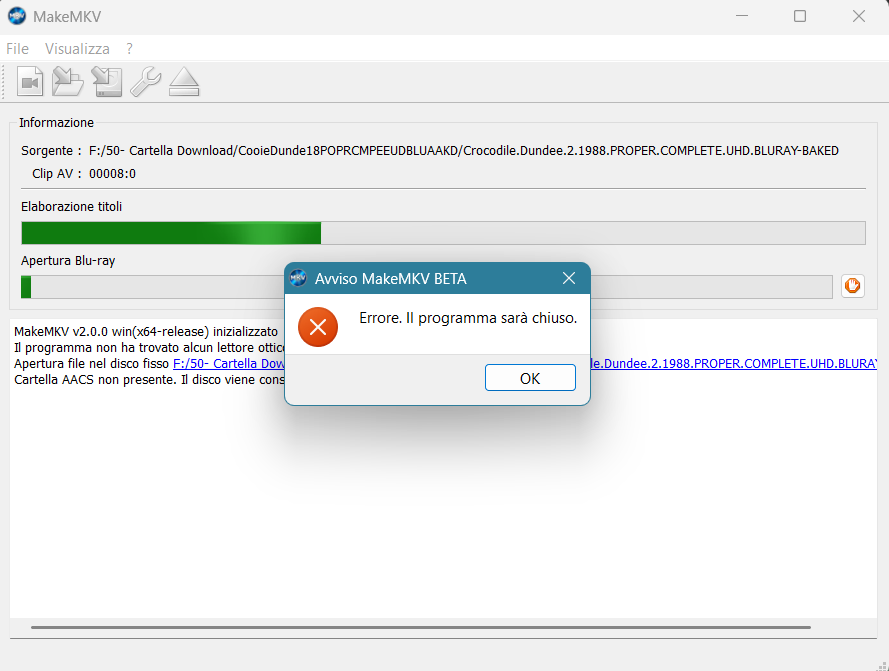
The new 2.0.0 release can't open the disk structure; it freezes, and I don't know why.
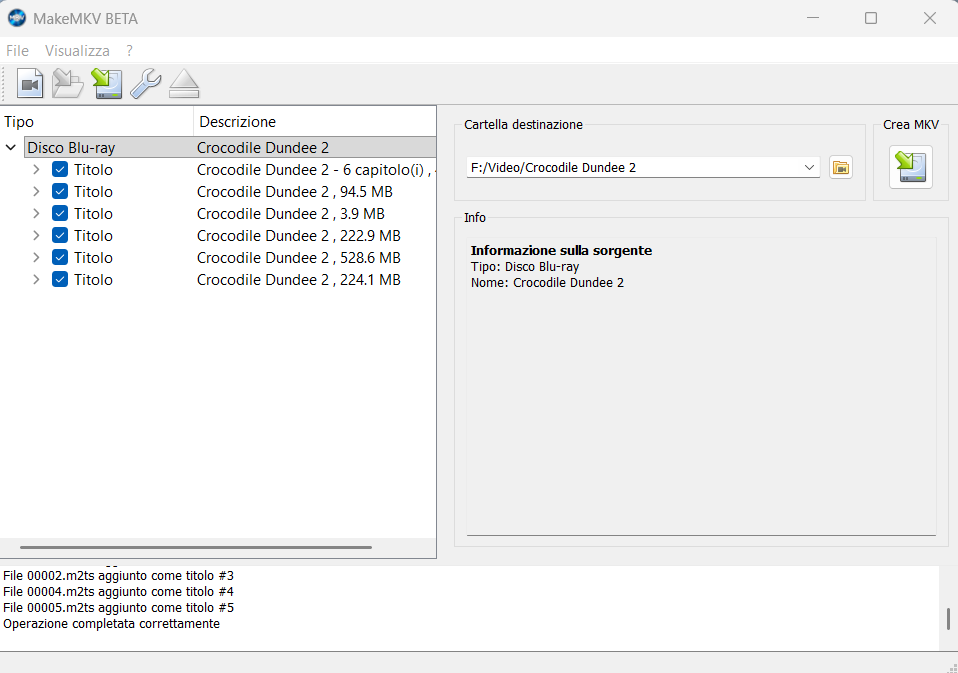
I had to revert to release 1.18.4, which works perfectly.
Thank you.
Version 2.0.0
 Version 1.18.4
Ugoos AM6B Plus | Remote control G20S PRO Plus | Splitter HDMI HDFury AVR-KEY | Display LG 65B6V | Cables HDMI KabelDirekt Pro series | Audio processor Yamaha RX-V775 | Rotel RMB-1075 | Storage Qnap Ts-431K +TL-D800C |
My PC Ryzen 7950X
-
cassiusdrow
- Posts: 2
- Joined: Thu Aug 07, 2025 10:19 pm
#2
Post
by cassiusdrow » Sat Sep 26, 2026 6:05 pm
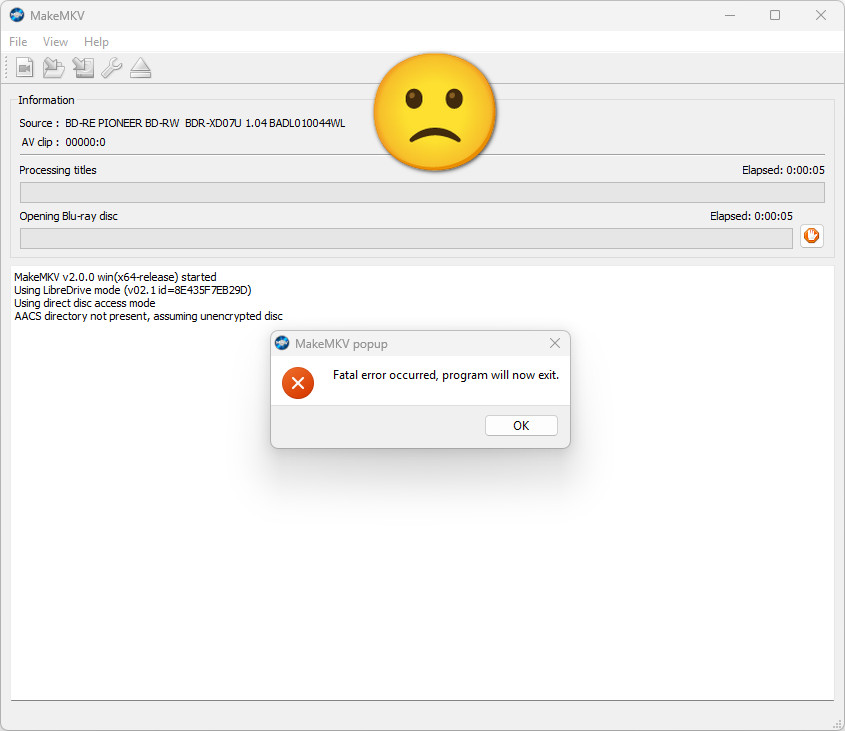
I'm having the same issue. MakeMKV gives the message "AACS directory not present, assuming unencrypted disc", then hangs for several seconds, then gives a popup with message "Fatal error occurred, program will now exit." I assume these are the same messages as above.
These items failed with the error, all with no AACS folder:
1. Bluray iso disc images (never encrypted)
2. Bluray BDMV folders (never encrypted)
3. Bluray iso disc images (unencrypted by AnyDVDHD)
4. Bluray iso disc images (unencrypted by Xreveal)
These items succeeded:
1. Physical Bluray discs (encrypted, has AACS folder)
2. DVD iso images (unencrypted by AnyDVDHD and Xreveal)
All of the items work fine in 1.18.4.
-
Het Beest
- Posts: 2
- Joined: Fri Dec 29, 2017 11:52 am
#3
Post
by Het Beest » Sun Sep 27, 2026 8:20 am
cassiusdrow wrote: Sat Sep 26, 2026 6:05 pm
These items failed with the error, all with no AACS folder:
3. Bluray iso disc images (unencrypted by AnyDVDHD)
4. Bluray iso disc images (unencrypted by Xreveal)
These items succeeded:
1. Physical Bluray discs (encrypted, has AACS folder)
I can confirm these three, same here. Working with Windows 11.
-
dom61
- Posts: 51
- Joined: Sun Oct 25, 2009 4:54 pm
- Location: Italy
#4
Post
by dom61 » Sun Sep 27, 2026 8:25 am
I'm wondering if this is the right place to open a ticket, or if there's a specific section for that.
Thank you
Ugoos AM6B Plus | Remote control G20S PRO Plus | Splitter HDMI HDFury AVR-KEY | Display LG 65B6V | Cables HDMI KabelDirekt Pro series | Audio processor Yamaha RX-V775 | Rotel RMB-1075 | Storage Qnap Ts-431K +TL-D800C |
My PC Ryzen 7950X
-
Nucleus
- Posts: 70
- Joined: Sat Feb 20, 2021 10:58 am
#5
Post
by Nucleus » Sat Oct 10, 2026 7:04 am
Exact same issue here with multiple discs in v2.0.0, discs are clean. Is this fixed yet or does anyone know a workaround?
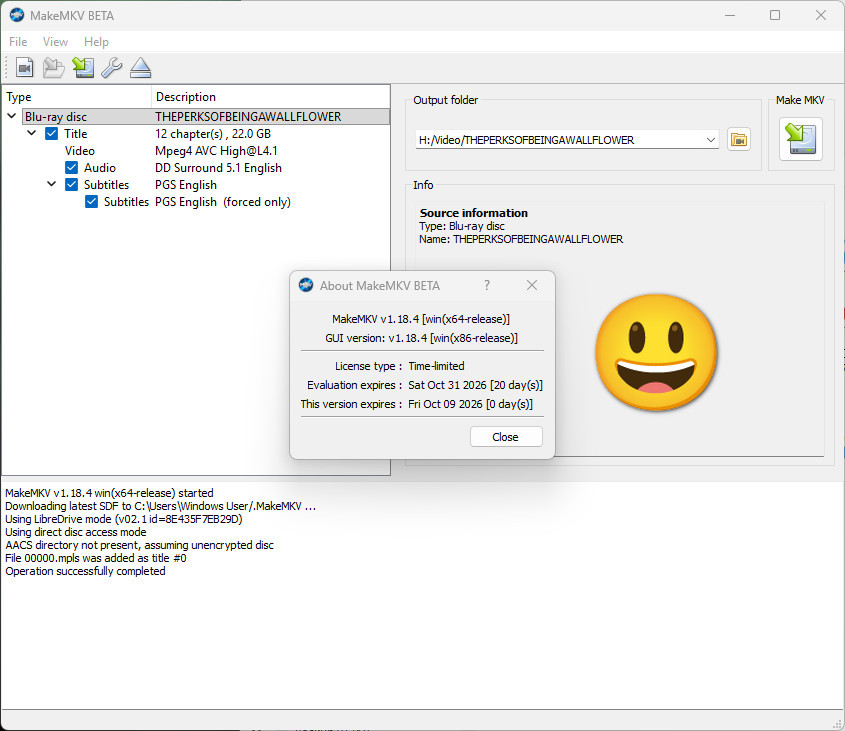
Edit: Exact same discs rip perfectly in older v1.1.8.4
-
Sayaka
- Posts: 354
- Joined: Sat Feb 28, 2026 3:00 pm
#6
Post
by Sayaka » Sat Oct 10, 2026 11:07 am
2.0.0 appears to be very buggy, the only known workaround for these bugs at the moment is to downgrade to 1.18.4 or an even earlier version (and to use either the current beta key or a previously purchased permanent key).
-
cbusillo
- Posts: 1
- Joined: Sun Oct 18, 2026 1:12 am
#7
Post
by cbusillo » Sun Oct 18, 2026 1:26 am
Same crash here with 2.0.0 on macOS. makemkvcon segfaults on any Blu-ray image or folder that has no AACS directory. It logs "AACS directory not present, assuming unencrypted disc" and then crashes (exit 139).
What I tested:
- Four decrypted Blu-ray images: two 3D, one UHD, and a backup MakeMKV made itself.
- Both iso: and file: sources.
- macOS 26.7.1 and 27.2, with both the arm64 and x86_64 builds.
- With and without a registration key.
All of them crash in 2.0.0. The same images read fine in 1.18.4 with a key.
The crash log shows a null pointer read inside makemkvcon. I can send it, or test a fix build, if that helps.
-
Caffeine
- Posts: 5
- Joined: Mon Dec 11, 2023 11:17 pm
#8
Post
by Caffeine » Sun Oct 18, 2026 6:58 am
Perhaps interesting here is that the v2.0.0 file size was lower than all previous versions, bucking the trend of gradually increasing file sizes. My thought is that it's a bad build, missing something. Perhaps a "clean-up" was done for 2.0.0 and something was inadvertently removed. All on Windows 11:
v2.0.0: 14,781 KB
v1.18.4: 16,048KB
v1.18.3: 15,965KB
V1.18.2: 15,220KB
v1.17.9: 15,081KB
V1.17.2: 14,784KB
-
rfmacdon
- Posts: 1
- Joined: Sun Oct 18, 2026 9:47 pm
#9
Post
by rfmacdon » Sun Oct 18, 2026 11:49 pm
Hello,
I love your product! I had the same issue when trying to rip Slow Horses Blue-ray disc using v2.0.0. I followed the advise from one of the members on this thread by reinstalling version 1.18.4 for macOS and it works perfectly.
-
j-h-s
- Posts: 8
- Joined: Thu May 30, 2024 3:42 am
#10
Post
by j-h-s » Mon Oct 19, 2026 10:22 pm
Same here, 2.0.0 on cachyos linux was not opening a backup created with the same edition just minutes earlier.
Tried 1.18.3 on windows with the same backup, it opened fine.
Updated windows to 2.0.0 and it threw the same issue as linux
-
GravuTrad
- Posts: 3
- Joined: Tue Oct 20, 2026 3:47 am
#11
Post
by GravuTrad » Tue Oct 20, 2026 3:54 am
Hello to all.
I confirm the problem. new version 2.0.0 crashes when it tries to analyse titles. Back to 1.18.4 and a key was the temporary solution. I hope it will be solved soon before to not have any key available, for this great unique tool.
-
lukecro
- Posts: 1
- Joined: Thu Oct 29, 2026 4:47 pm
#12
Post
by lukecro » Thu Oct 29, 2026 4:53 pm
I've been hitting the same problem since upgrading. MakeMKV version 2.0.0 on MacOS. Every time I try to open a BDMV file, I get a fatal error crash.
Reverted to v1.18.4 for now.
Last edited by lukecro on Thu Oct 29, 2026 5:02 pm, edited 1 time in total.
-
gwhitcombe71
- Posts: 89
- Joined: Fri Oct 23, 2026 2:41 am
#13
Post
by gwhitcombe71 » Thu Oct 29, 2026 7:09 pm
cbusillo wrote:I can send it, or test a fix build, if that helps.
cbusillo mine doesnt segfault like yours, but thats on Windows 10... i get the "assuming unencrypted disc" line, it hangs for a good 10 seconds (thought it had died) and then the fatal error popup. Tried a couple of BDMV folders I ripped last year and same result, all fine again after going back to 1.18.4 with the beta key. definately sounds like the same bug though, just a different way of falling over

-
Jacksoft
- Posts: 4
- Joined: Tue May 31, 2022 5:52 am
#14
Post
by Jacksoft » Fri Oct 30, 2026 8:14 pm
Same problem here with 2.0.0. Rolled back to 1.18.4 worked fine (Windows 10 LTSC).
-
Kupori
- Posts: 1
- Joined: Tue Nov 10, 2026 8:03 pm
#15
Post
by Kupori » Tue Nov 10, 2026 8:06 pm
Had the same Issue on 2.0.0, rolled back to 1.18.4 and error still occur (windows explorer still can read the disc) any suggestions?
