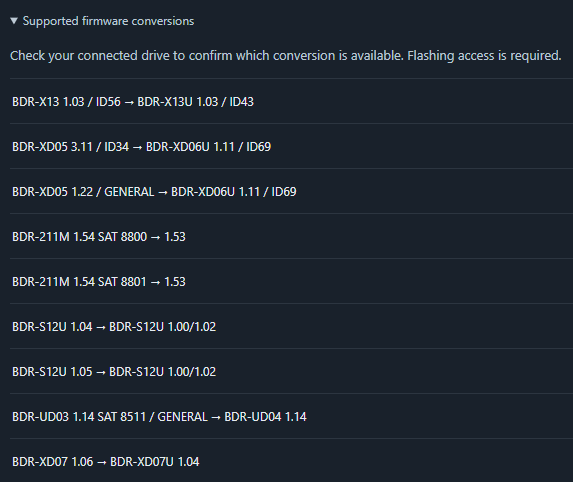
Updated October 2026 for the 1.0 release.
trev.bot flash is a desktop app by Trevor (trevbot here on the forum) that gets LG and Pioneer Blu-ray drives ready for 4K UHD discs. It checks your drive, downloads the right firmware for it and walks you through the flash. No command line and no hunting for firmware files.
It started with Pioneer drives on firmware from December 2022 or later, which couldn't be downgraded or crossflashed the usual way. Version 1.0 adds LG drives as well.
What's new in 1.0
- Windows, macOS and Linux.
- LG drives, including ASUS and Buffalo drives built on LG hardware.
- Pioneer drives, including ones on 12/2022+ firmware.
- AutoFlash: check the drive, the app picks the firmware and flashes it.
- It can read the drive inside an external case.
What it costs
Checking a drive is free and needs no activation code. The check tells you whether a flash is available for your exact model and firmware.
Flashing needs a license. One personal license covers your own supported drives on up to 3 computers and doesn't expire. The launch price is $29.99. LG flashing needs no license at launch. If you already bought a flash license earlier, it has been upgraded automatically.
How it works
- Download the app from trev.bot/download.
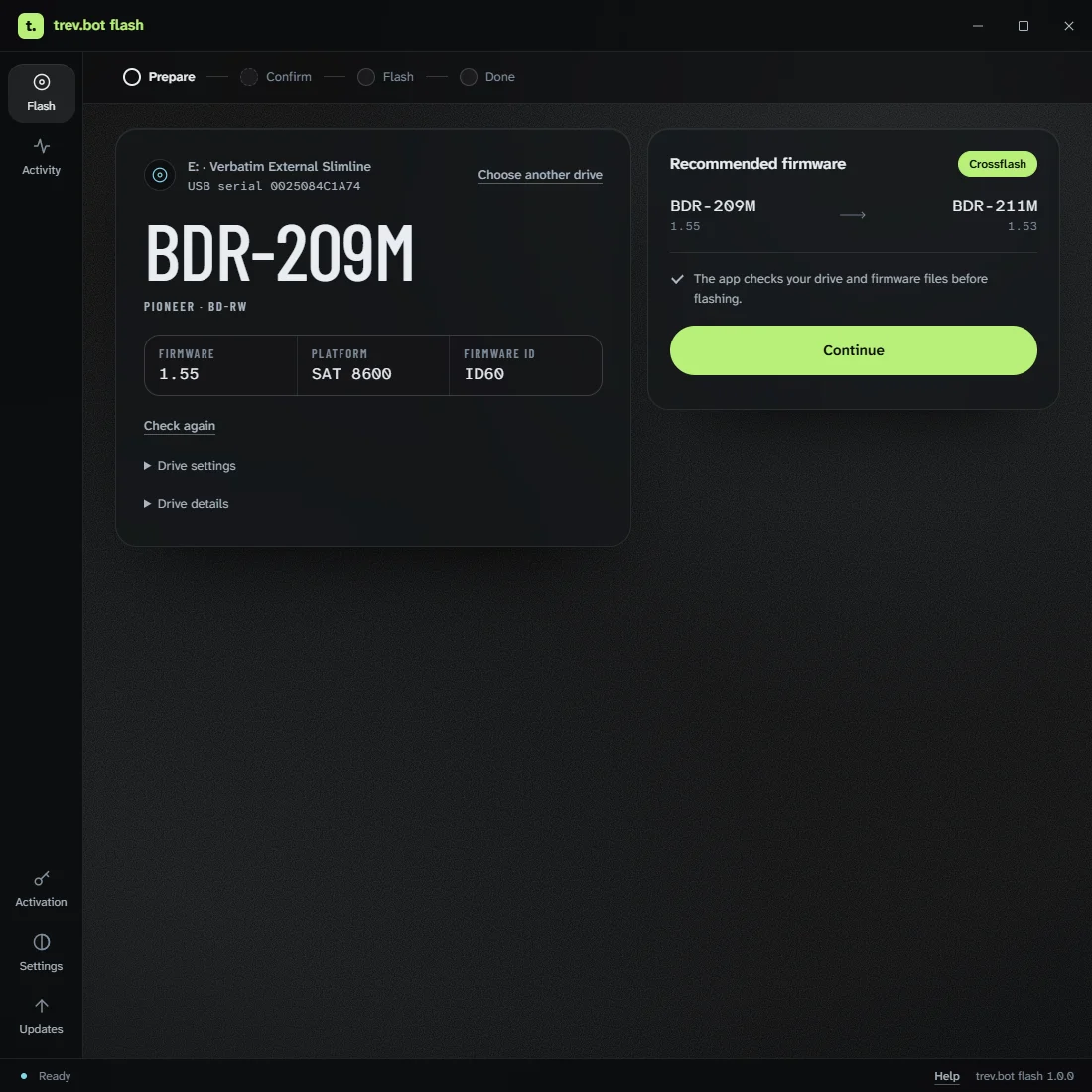
- Connect the drive with no disc inside, open the app and run the free check.
- If a flash is available, the app downloads and checks the firmware, and tells you if the drive needs to be reconnected.
- Confirm the drive and the risk, then press and hold to flash.
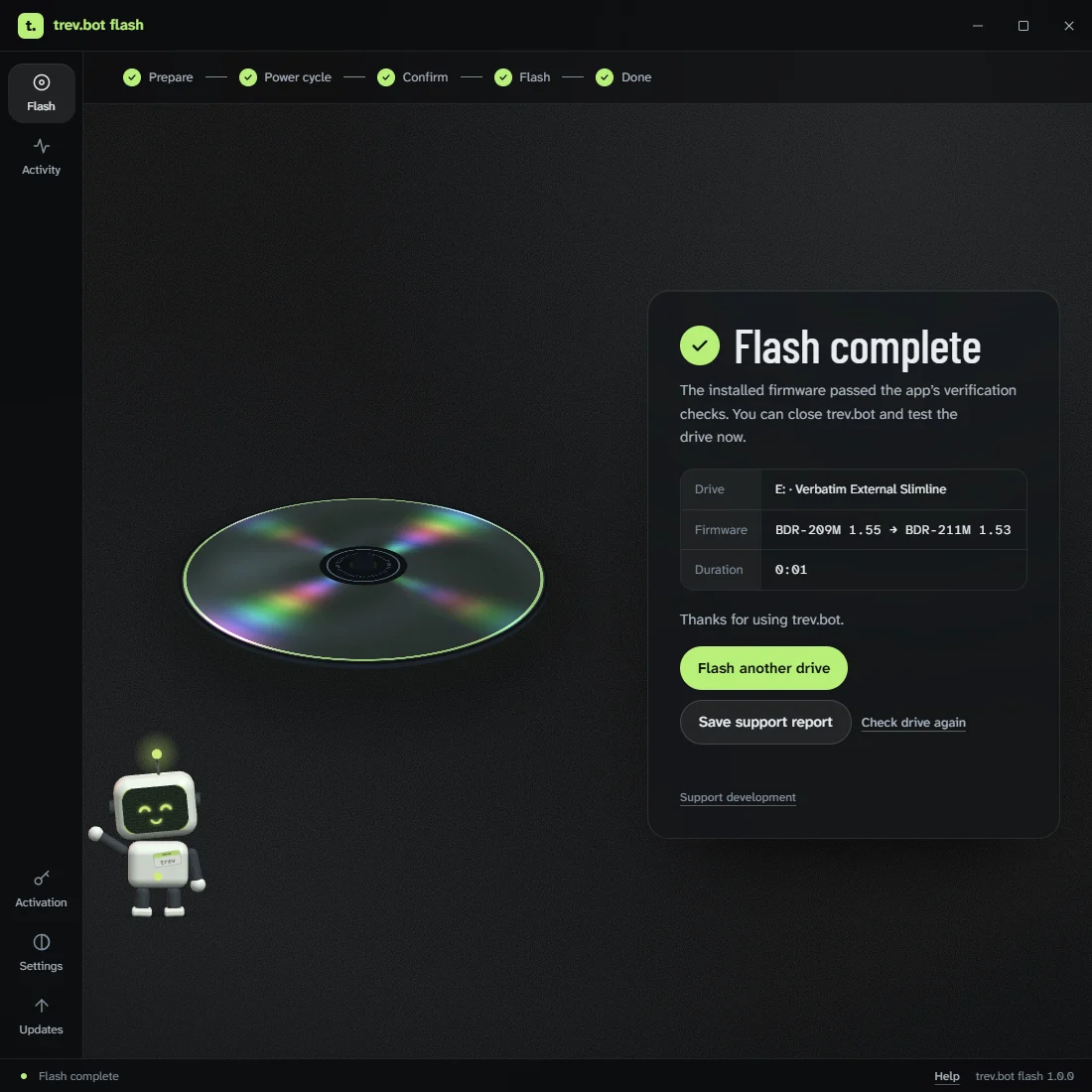
- When it says Flash complete, test the drive with your discs.
Firmware flashing always carries some risk. The app checks the drive and the firmware before writing, but no check can rule out a failure. Use an empty drive, keep its cable and power connected and leave the app open until it finishes. More in Before you flash.
Drive not supported yet?
Run the free Analyze drive option in the app. With your approval it reads the drive and sends the results to Trevor to help add support. It never flashes anything, and there's no guarantee support will follow, but this is how most of the current Pioneer support came about.
Help
If something goes wrong, save the app's support report and email it to help@trev.bot. Trevor answers those himself, usually quickly.
How this thread started
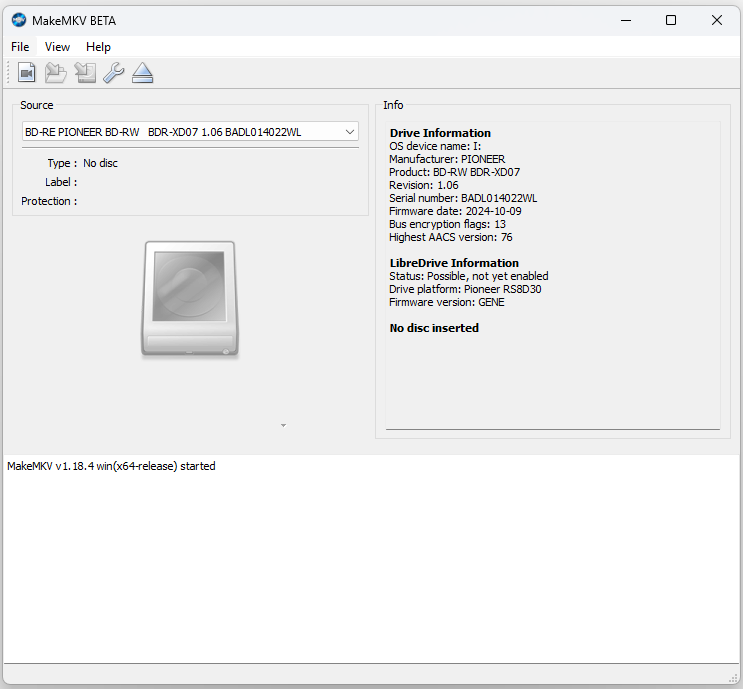
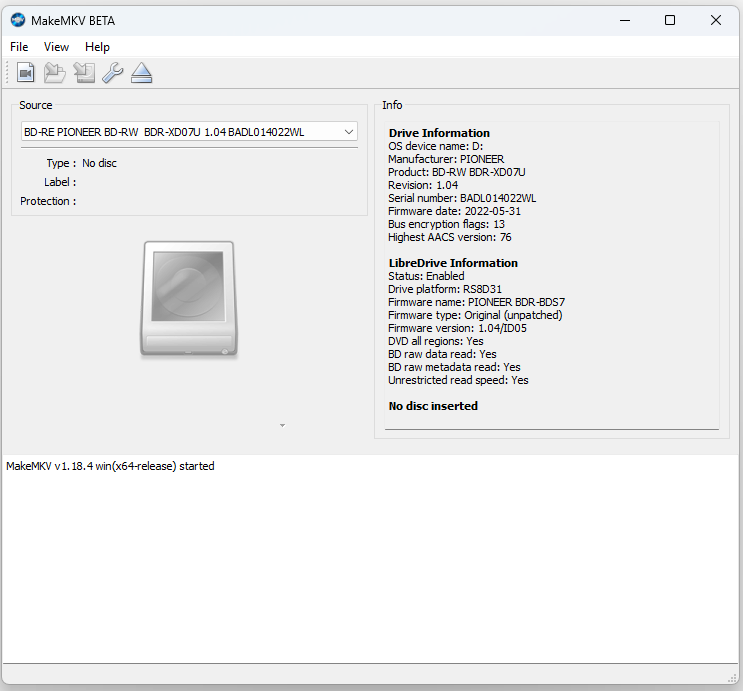
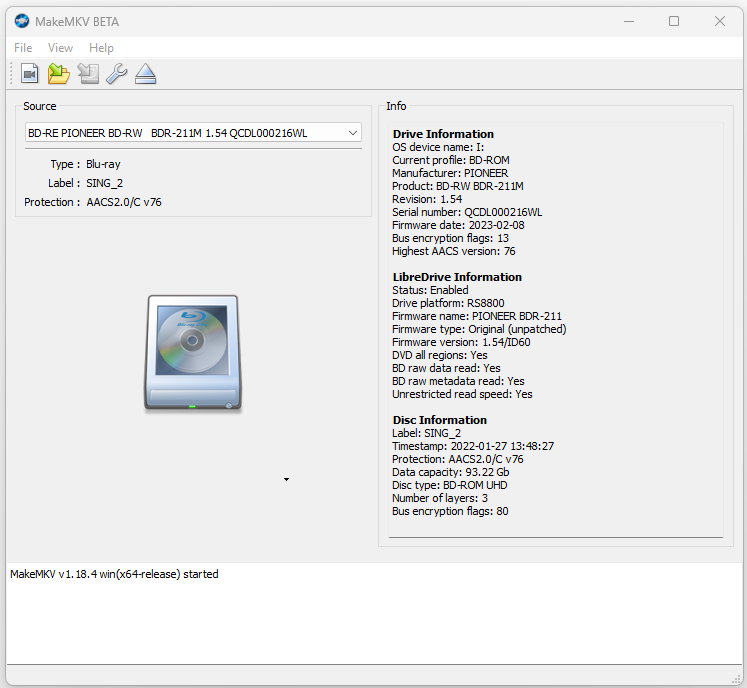
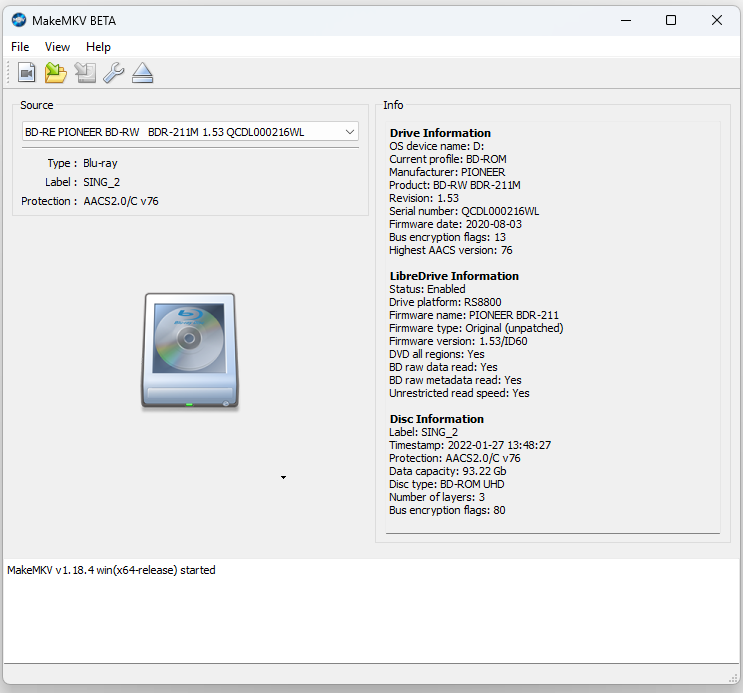
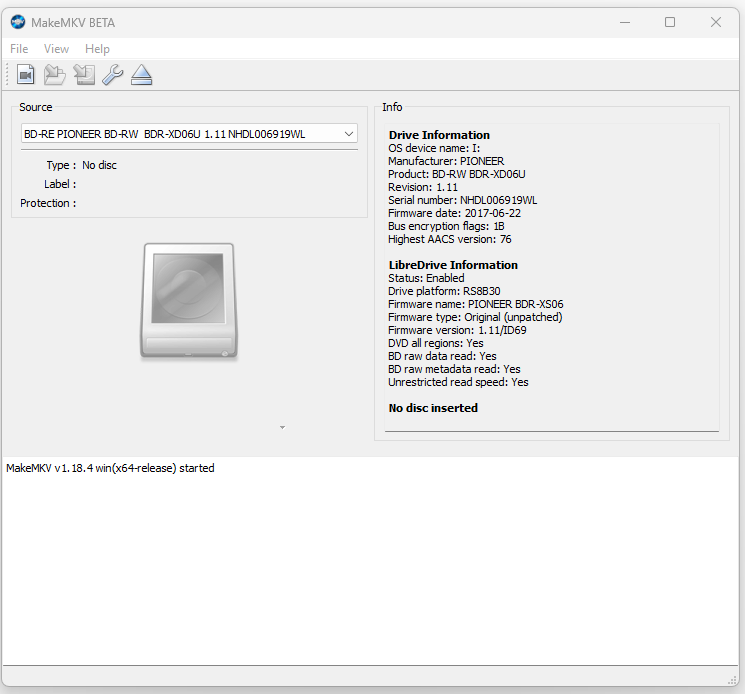
I own several Pioneer drives that had firmware from after December 2022, and for a long time there was no practical way to downgrade or crossflash them. When I saw Trevor's post on the cdrinfo forum, I contacted him and sent MakeMKV screenshots of my drives. He prepared a test build for me, and I went from BDR-XD05T 1.22 straight to BDR-XD06U 1.11 in one step. My BDR-XD07TB and BDR-211UBK followed. Since then, other people in this thread have done XD07, XD08 and 212EBK drives too.
Before:
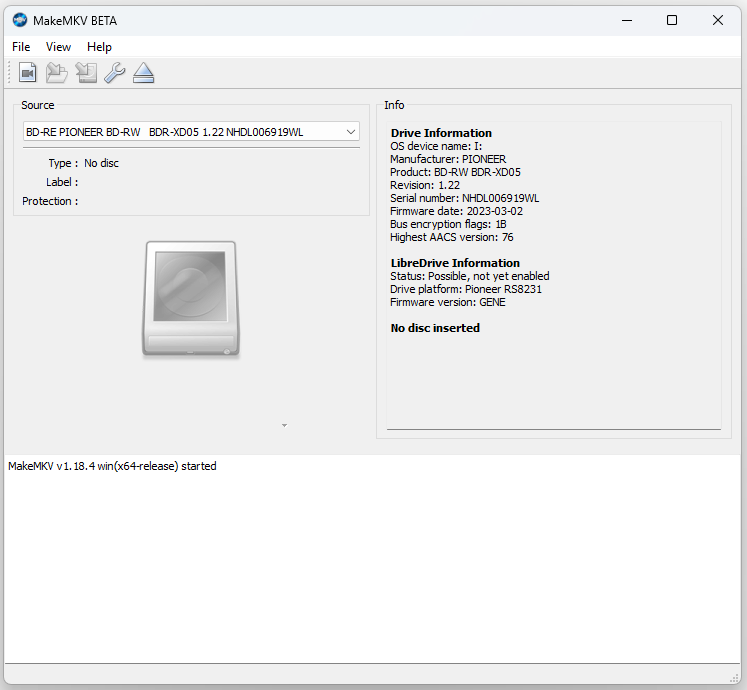
After:
Links
Download: https://trev.bot/download
Pricing: https://trev.bot/pricing
Every screen of the app: https://trev.bot/how-it-works
Changelog: https://trev.bot/changelog
Trevor also made OpenRipper, a free, open-source auto-ripper that uses MakeMKV: https://github.com/redharp/openripper