Page 1 of 1
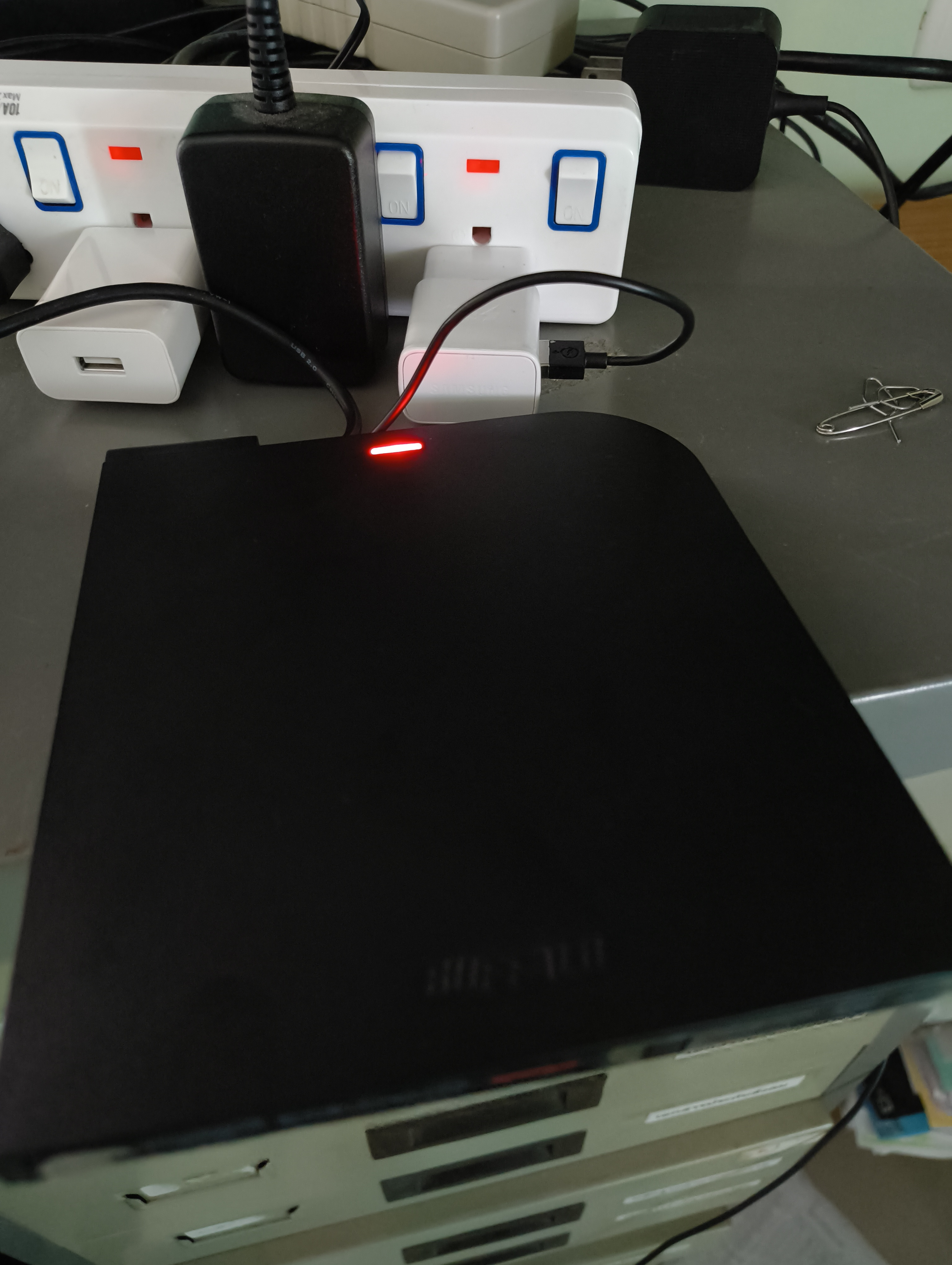
BRUHD-PU3-BK Disappears When Disk Inserted
Posted: Sun Mar 08, 2026 9:06 pm
by inw13210
I've already tried uninstall device on Device Manager and restart pc, it doesn't work
how am i going to fix this?
.
https://youtube.com/shorts/9p3Sp8miZoU
Re: BRUHD-PU3-BK Disappears When Disk Inserted
Posted: Sun Mar 08, 2026 11:03 pm
by MartyMcNuts
The drive is probably not getting enough power. If it comes with a y-cable, ensure all plugs are connected. Also, use high powered USB ports direct from the motherboard (not case ports) or an AC self-powered USB hub of at least 24w.
Re: BRUHD-PU3-BK Disappears When Disk Inserted
Posted: Mon Mar 09, 2026 3:23 am
by inw13210
Re: BRUHD-PU3-BK Disappears When Disk Inserted
Posted: Mon Mar 09, 2026 7:05 am
by MartyMcNuts
I've never seen one of those with a power adapter. I thought it had 2 x USB connectors, one hiding under the bottom of the enclosure.