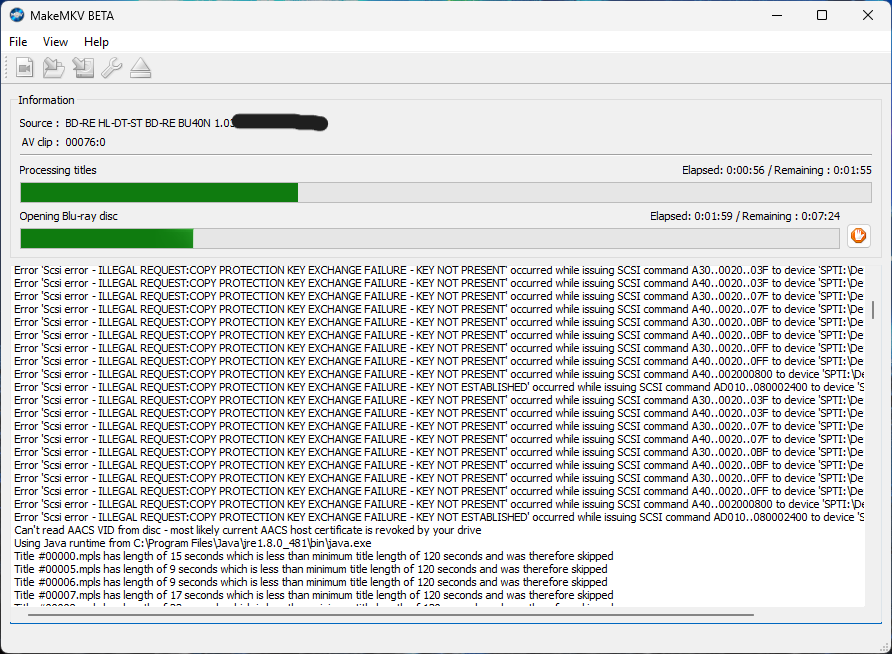
My Setup:
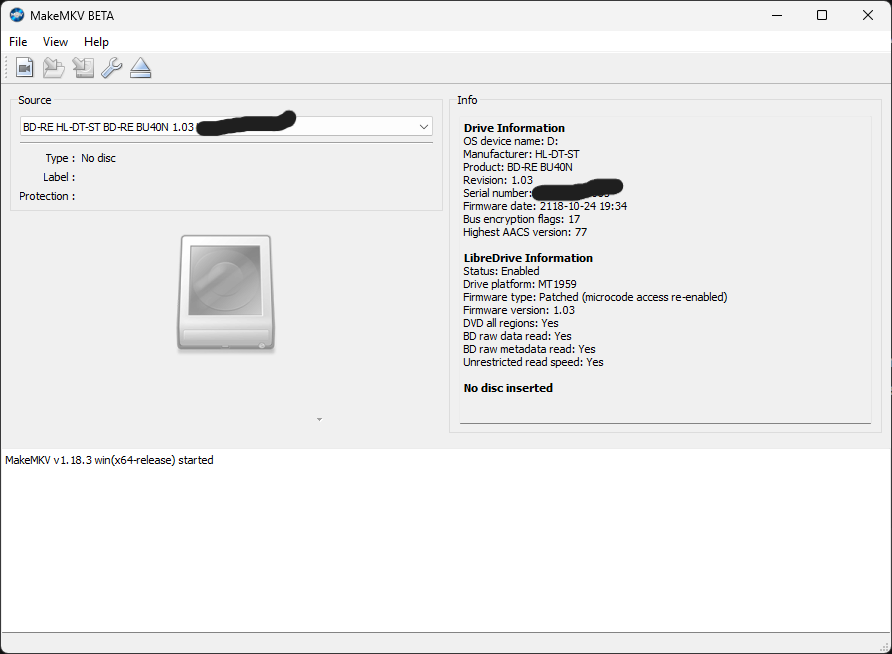
- Drive: LG BD-RE BU40N (with full size adapter and power and is brand new)
Firmware: 1.03 (Flashed with MK firmware, LibreDrive is Enabled)
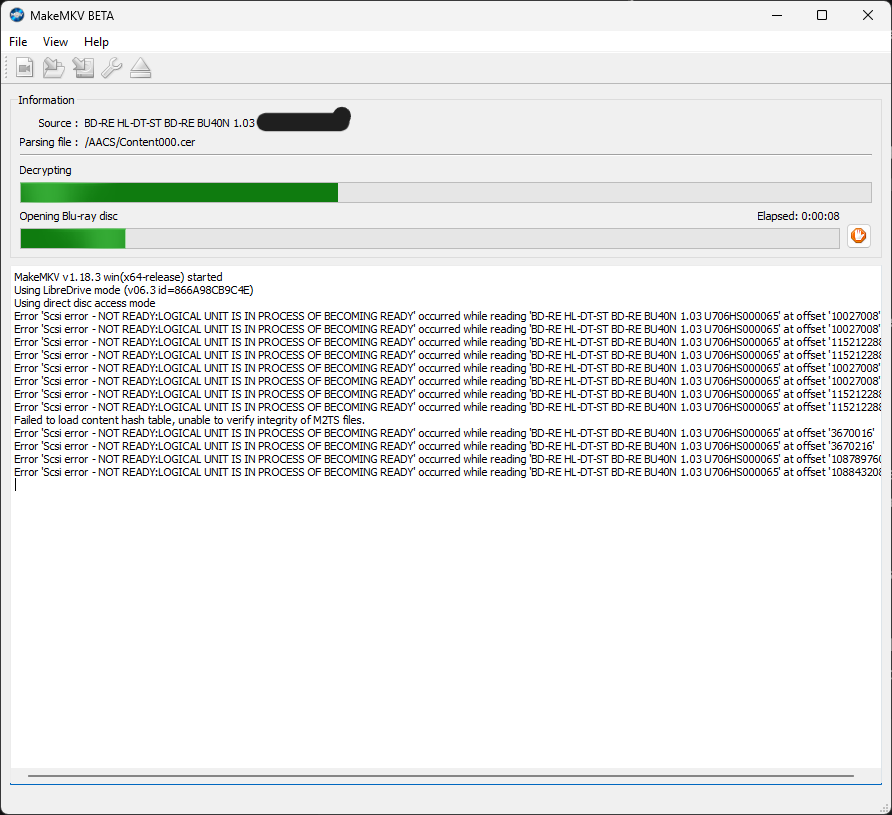
MakeMKV looked like it was having trouble getting the hash keys for the disc but even when it did download the keys, the errors persisted.
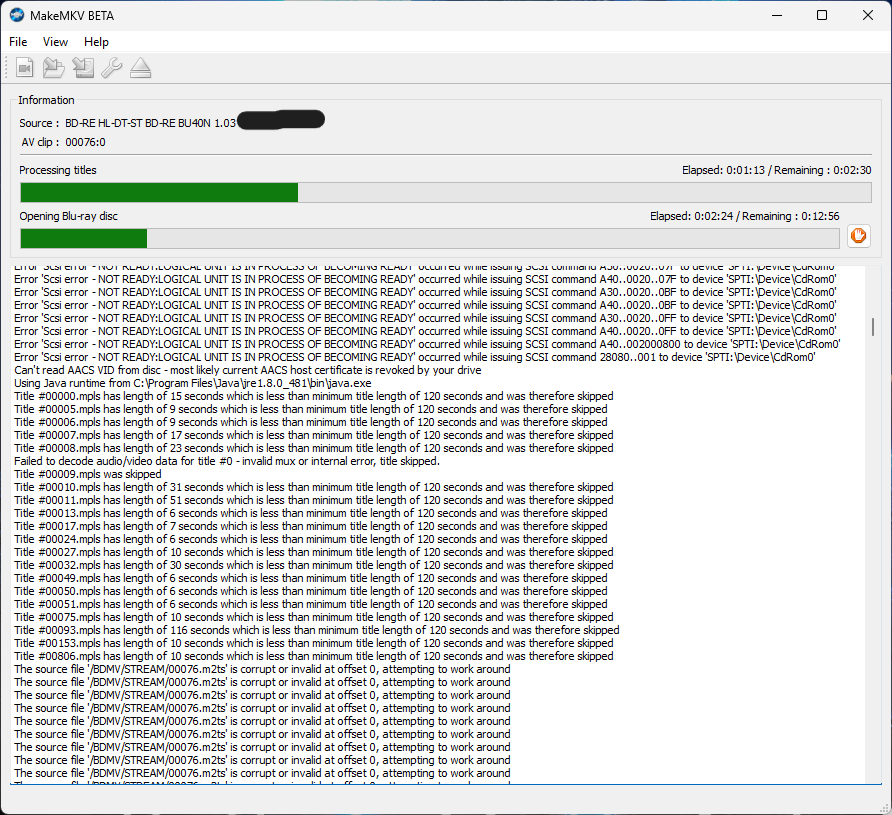
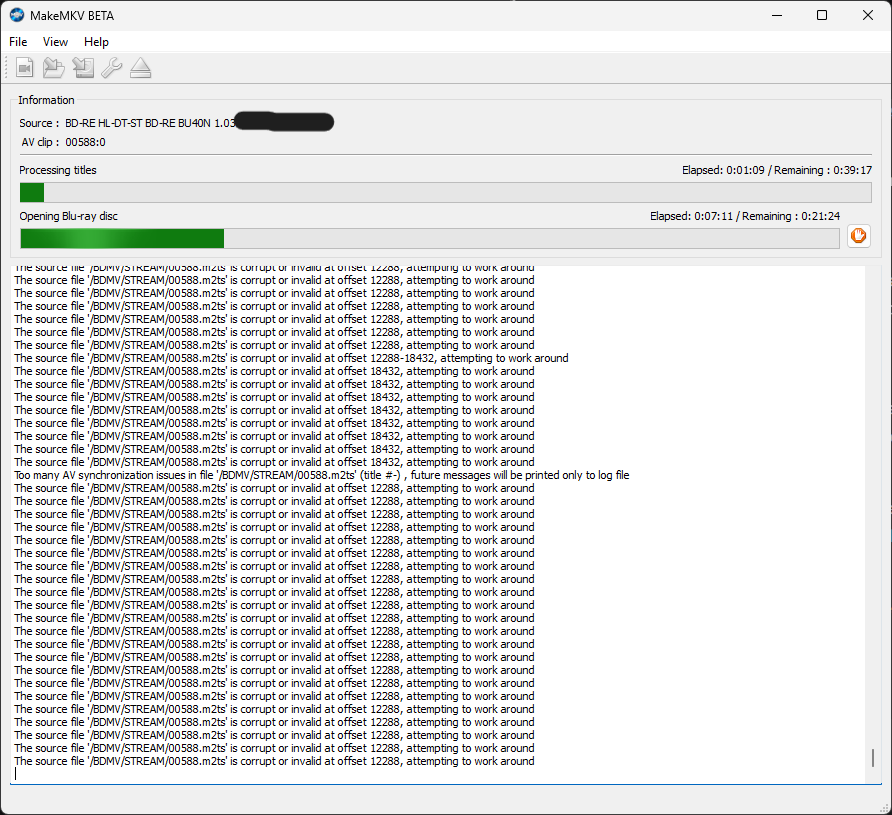
I get a massive wall of errors specifically targeting 00076.m2ts (and occasionally 00588.m2ts).
The log gets spammed with:
The source file '/BDMV/STREAM/00076.m2ts' is corrupt or invalid at offset 0, attempting to work around.
It also lists other random offsets like 12288, 18432, etc., and complains about AV synchronization issues. The debug log tells me multiple offset numbers.
The solutions I have tried:
- I tried the Windows "File Explorer workaround" (opening the disc folders in Windows before launching MakeMKV) to wake up the drive.
I downloaded the latest keydb.cfg from the FindVUK online database and placed it in my ~/.MakeMKV folder. This resulted in a "Fatal Error" app crash. I've even renamed the file to KEYDB.cfg.
I deleted everything inside the ~/.MakeMKV directory.
Disabled Java in MakeMKV preferences to ensure it wasn't a menu-parsing issue. (No change).
Reinstalled MakeMKV
Let the drive cool down, although it was never warm.
Cleaned the drive's laser lens.
Washed the disc with a lens wipe and cloth.
I put in a 4k Blu-ray that I had successfully opened yesterday. Initially, it threw the same offset errors and other errors, but after the laser cleaning and cooldown, it read again.
Put disc back in immediately after the good disc and the exact same offset 0 errors returned immediately.